

Learning Nuke can feel a little overwhelming when you first open it. There are a lot of nodes and many different ways to approach the same shot, but you don’t need to learn everything at once.
I’ve put this roadmap together to show you the areas I think are most useful when starting out. Rather than learning individual nodes without any context, the best thing you can do is work through complete shots and understand why you’re making each change.
What Does a Nuke Compositor Do?
A Nuke compositor combines all the different elements of a shot to create the final image. This could include the original plate, CG renders, greenscreen elements, matte paintings and effects.
The job isn’t just about connecting nodes. You need to look closely at the image, work out what isn’t sitting correctly and then decide how to fix it. This could mean matching the grade, refining an edge, adjusting the grain or correcting a technical error.


Start with a Complete Nuke Shot
One of the best ways to learn Nuke is to work through a complete shot. This gives you a reason to use each node and helps you understand how the different parts of a comp affect one another.
If you’re new to the software, start with my free Nuke compositing course for beginners. You’ll work with a supplied Nuke script, project files and client notes to improve a production-style shot.
Once you’re comfortable with the basics, my free tutorial on how to composite CG renders in Nuke covers grade matching and includes the files used in the videos.
Try to finish each shot rather than continually starting new tests. Once it’s working, go back through your script and check the edges, black levels, highlights, colour and grain. This is much closer to how you’ll learn when working on real shots.
What Should You Learn First in Nuke?
If you’re just starting out, I’d focus on these areas:
- Understanding how the node graph works and keeping your Nuke scripts organised.
- Using channels, mattes and alpha channels correctly.
- Rotoscoping and cleaning up parts of the plate.
- Tracking elements into a moving shot.
- Keying greenscreen footage and refining the edges.
- Matching the colour, black levels, highlights and saturation of different elements.
- Adding grain and checking your finished comp for technical errors.
You don’t need to master all of these before making a shot. Pick a simple project, work through the problems as they appear and gradually add more difficult techniques.
Practise Different Types of Compositing Work
Once you’ve completed your first shot, try working on a few different types of comp. Each one will give you a new set of problems to solve.
You could use my free Nuke UI shot tutorial to practise tracking, animation and integrating screen graphics. You could also try keying footage, cleaning up a plate or adding CG elements to a live-action shot.
When you finish a comp, use my Nuke tech-checking guide to look for problems with the edges, black levels, highlights, grain and image values. Getting into the habit of checking your own work will help you spot issues much more quickly.
Build a Small Nuke Compositing Showreel
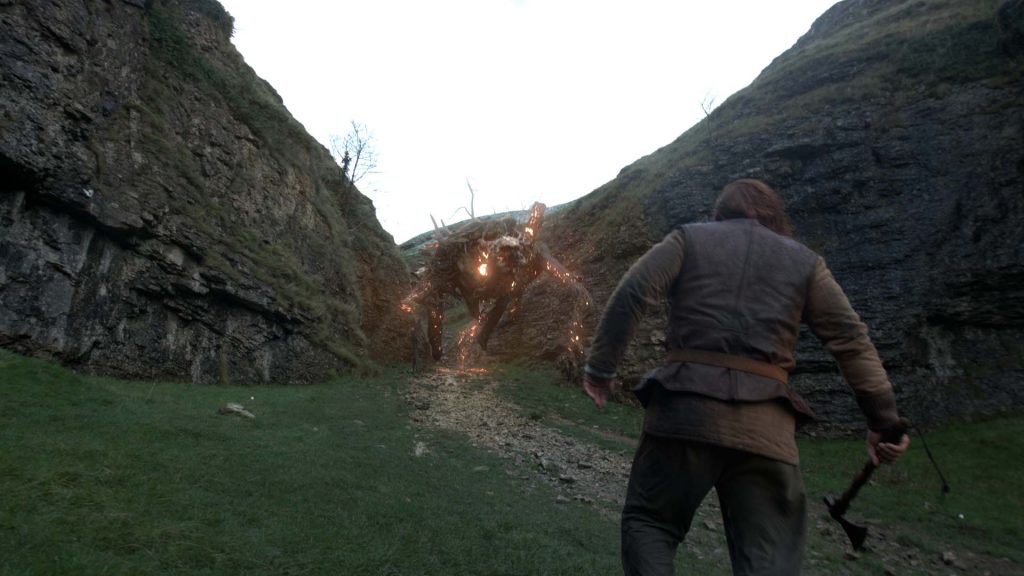
Once you have a few finished shots, choose the strongest ones and start putting together a short showreel. You don’t need lots of work. A few well-finished shots are much more useful than a long reel containing unfinished tests.
Show the final result clearly and include a short breakdown so people can see what you contributed. Keep the reel focused on the type of compositing work you would like to do.
You can look at my Nuke compositing showreel for an example. When your reel is ready, this guide will also show you how to make a VFX portfolio website to present your work.
Continue Learning Nuke
As you become more comfortable with complete shots, you can begin looking at more advanced areas such as keying and despill, CG integration, particles and deep compositing.
My Nuke compositing masterclass courses cover these subjects through practical projects and techniques I’ve used in production. You can choose the area that is most useful for the type of work you want to create rather than trying to learn everything at once.
Keep finishing shots, asking for feedback and returning to the areas that need more work. Your understanding of Nuke will develop much more quickly when every new technique is attached to a real compositing problem.
Learning Nuke FAQs
Is Nuke difficult to learn?
Nuke can feel complicated at first because there are lots of tools and different ways to build a comp. Start with a small number of useful nodes and learn them while completing a shot. It becomes much easier once you understand how information moves through the node graph.
Can I learn Nuke without professional experience?
Yes. You can begin with simple projects and free tutorials before moving on to production-style work. Some basic knowledge of compositing will help, but you don’t need professional experience to start learning Nuke.
How long does it take to learn Nuke compositing?
This depends on the type of work you want to create and how regularly you practise. You can learn the basic interface and complete simple comps quite quickly, but developing a professional eye and a reliable workflow takes time. Focus on finishing shots and improving one area at a time.
Recent Comments